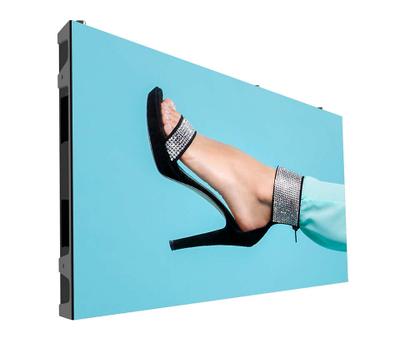
LG 49VH7C-B video wall display LCD
- Display technology: LCD
- Display diagonal: 124.5 cm (49")
- Bezel width (side): 0.9 mm
- Bezel width (top): 0.9 mm
Borderless Design
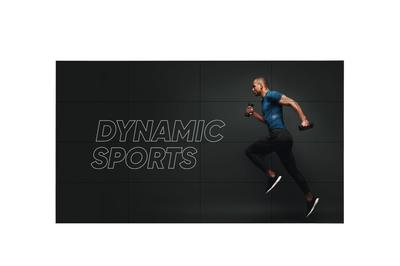
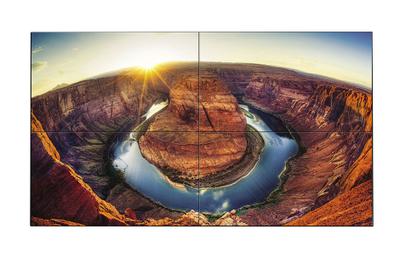
Borderless design with its 0.9mm even panel bezel and 1.8mm BtB(Bezel to Bezel) size, verifi ed by Nemko, enables immersive and seamless viewing experiences on assembled video wall screens.
Built-in SoC and Synced Playback
The optimized built-in quad-core SoC in the 55VH7B/VM5B, 49VH7C/VM5C can play various content formats and eliminates the need for an external media player. Using its built-in SoC, each display plays its video tile without lag for synchronized content playback.
webOS 2.0
The webOS 2.0 platform provides easy and convenient tools to create contents. LG’s SDK
and technical supports make content development and management easier.
Clear Viewing Angle
The 55VH7B/VM5B, 49VH7C/VM5C ensures clear picture quality even when installed in stacks of more than four. This is very favorable for the quantity of video walls installed in large spaces.
Uniform Brightness
LG’s LED backlight technology guarantees high uniformity in brightness to ensure a clear picture. On other screens, certain spots may appear darker than others, but the new 55VH7B/VM5B, 49VH7C/VM5C generates high visibility and a consistent brightness across the whole screen.
Video Wall Image Creation
Through Video Wall Image Creation (VIC) technology, color and brightness differences are compensated in circuit part with an algorithm to make the panels into a same characteristic so that each video wall maintains the consistent white balance.
Image Gap Reduction
The 55VH7B/VM5B, 49VH7C/VM5C includes an image improvement algorithm that can adjust to objects located in the boundary of bezel for a seamless viewing experience.
Enhanced Content Management
A LAN daisy chain allows you to execute commands to control and monitor the screens and even update their firmware.
Guide Bracket / Classifi ed Port
A guide bracket is an attachment that ensures the video wall remains flat. The classified in/out port prevents errors when connecting a daisy chain.
Control Buttons
With 8 control buttons, it’s easy to operate various functions of the 55VH7B/VM5B, 49VH7C/VM5C, such controlling the OSD (On Screen Display) and changing the input source.
- Display technology
- LCD
- Display diagonal
- 124.5 cm (49")
- Bezel width (side)
- 0.9 mm
- Bezel width (top)
- 0.9 mm
- HDMI ports quantity
- 1
- DVI port
- Yes
- Power consumption (typical)
- 150 W
- Power consumption (standby)
- 0.5 W